JVC LT-50VA3300 Remote Not Working: Bluetooth Pairing & Troubleshooting
Is your JVC LT-50VA3300 remote not responding? Learn how to fix Bluetooth pairing on Android TV, check batteries, test IR, and find reliable replacements.
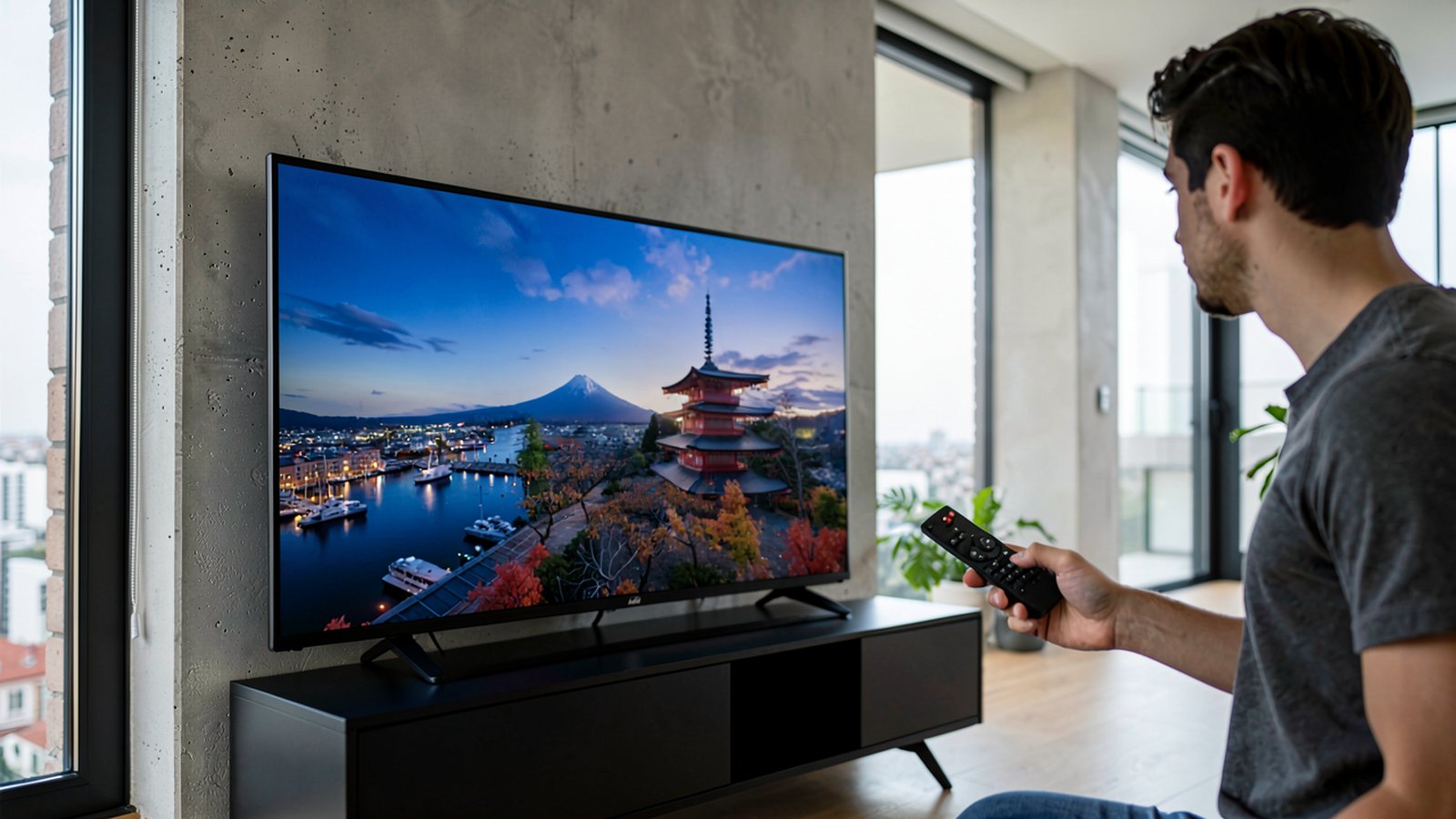
The JVC LT-50VA3300 runs on Android TV and uses a Bluetooth remote. For full navigation and Google Assistant voice commands, the remote must be paired. When it stops responding, replace the batteries, move closer to the screen, and re-pair under Settings → Remotes & Accessories (or Controls and accessories). Basic power commands may still travel via infrared when unpaired. In the meantime, use physical buttons on the TV or a mobile app; permanent replacements from Devicero work immediately after inserting batteries without programming.
Why Your JVC LT-50VA3300 Remote Stops Responding
When your JVC LT-50VA3300 stops responding, diagnosing the issue starts with its communication. Unlike classic infrared televisions, this Android TV model relies on Bluetooth for smart navigation and voice input.
Standard infrared requires direct line of sight. If the Bluetooth link drops from weak batteries or interference, the TV ignores menu commands even though the remote hardware is intact.
Need help choosing or setting up a remote?
Ask usCheck the Batteries and Operating Range First
Always check the power source first. Bluetooth transmitters require steady voltage; low battery charge often breaks wireless pairing before infrared stops entirely.
Remotes for this model usually take two AAA batteries. Open the battery compartment, check the type and marked polarity, and insert fresh batteries.
Operating distance also matters. Dense furniture or wireless traffic can weaken reception. Test the remote near the screen, or browse our remote controls category at Devicero.
How to Re-Pair Your Remote in Android TV
If fresh batteries do not restore menu control, re-pairing in Android TV usually resolves the issue. For hardware checks, consult our guide on common remote control problems and how to fix them.
Make sure the TV is on, not in standby. Using partial infrared, a mouse, or a mobile app, follow these steps:
- Open Settings (gear icon) on the Home screen.
- Select Remotes & Accessories (or Controls and accessories).
- Select Add accessories (or Pair remote or accessory).
- Put the remote into pairing mode per on-screen prompts.
- Select your remote and confirm Pair or Link.
If listed but disconnected, unpair or forget it, then pair again.
Remote Only Partially Works: Infrared vs Bluetooth Fallback
Viewers often notice the power button works, but directional arrows and OK do nothing. This partial responsiveness is typical when an Android TV controller loses Bluetooth pairing.
Many Android TV remotes send basic commands like power over infrared even when unpaired, while navigation and voice require Bluetooth. The power button wakes the TV via infrared, after which the interface expects Bluetooth data.
Ensure an unobstructed line of sight to the TV. Test the infrared LED by pointing the remote at a smartphone camera and pressing a button. On many phones the front (selfie) camera works better. Seeing nothing is not proof of a fault.
Google Assistant Voice Control Is Not Responding
The JVC LT-50VA3300 includes built-in Google Assistant support for spoken commands. Note that this TV does not support Amazon Alexa, so voice interactions rely exclusively on Google Assistant.
Voice commands require digital transmission that only Bluetooth provides; microphones cannot transmit over infrared. The TV must also connect to Wi-Fi or Ethernet. If voice search fails, check your network and re-pair the remote.
Controlling the TV Without a Remote: TV Buttons, Mobile App, and Restart
If your remote stops functioning, use the physical buttons on the TV to power on, adjust volume, change channels, or switch inputs.
Alternatively, control the TV using your smartphone. With your phone and TV on the same Wi-Fi network, use the official Android TV Remote or Google TV app by Google, if your TV is discovered on the network.
If the TV freezes, unplug it from the wall outlet for a short while (a few minutes), then plug it back in.
If your controller has suffered permanent damage, replacing it with a JVC LT-50VA3300 original remote control from Devicero provides a reliable fix that works immediately after inserting batteries without programming.
External HDMI Devices Not Responding: Anynet+ (CEC)
When connecting a soundbar or player via HDMI, you can control power and volume across devices using HDMI Consumer Electronics Control (CEC), branded here as Anynet+.
Open HDMI and CEC (Anynet+) in TV settings and verify it is on. Activate CEC on your connected device so both units synchronize smoothly.
Choosing a Replacement Remote: Original, Senior, or Alternative Design
When an original remote is lost or broken, Devicero offers dedicated replacements for this TV model without code programming.
For viewers wanting a simpler layout, the JVC LT-50VA3300 replacement remote control for seniors features large, highly legible buttons focused on essential functions.
If you prefer an alternative body style, the JVC LT-50VA3300 replacement remote control with a different look serves as a functional substitute; insert batteries (not included) and use your TV without programming or pairing.
To explore how different models match your habits, read our guide on how to find the right replacement remote control.
For households with older relatives, our guide covering remote controls for seniors explains how simplified layouts prevent accidental settings changes.
Unlike purely infrared sets like the Grundig 43 VLE 6621 BP, the JVC setup uses Bluetooth. Devicero replacement remotes require no pairing; insert batteries and start watching immediately.
If new batteries, a reset, and a replacement remote fail, and physical TV buttons do not respond, internal hardware may require professional service.
Frequently Asked Questions
Do I need to pair the remote for the JVC LT-50VA3300?
Yes. For full Bluetooth navigation and voice commands, pairing is required. In Settings, open Remotes & Accessories (or Controls and accessories) and select Add accessories.
What batteries does the remote take?
Controllers for this TV usually take two AAA batteries. Check the compartment to verify size and polarity.
Why does the power button work, but not the menu?
Many smart remotes send power commands via infrared while reserving navigation for Bluetooth. If your remote powers the TV but cannot navigate menus, re-pair Bluetooth.
Does Alexa work on this TV?
No. The JVC LT-50VA3300 does not support Amazon Alexa; built-in voice control is handled exclusively by Google Assistant.
Do Devicero replacement remotes require pairing?
Devicero replacement remotes require no programming or Bluetooth pairing. Simply insert batteries to start controlling the TV.