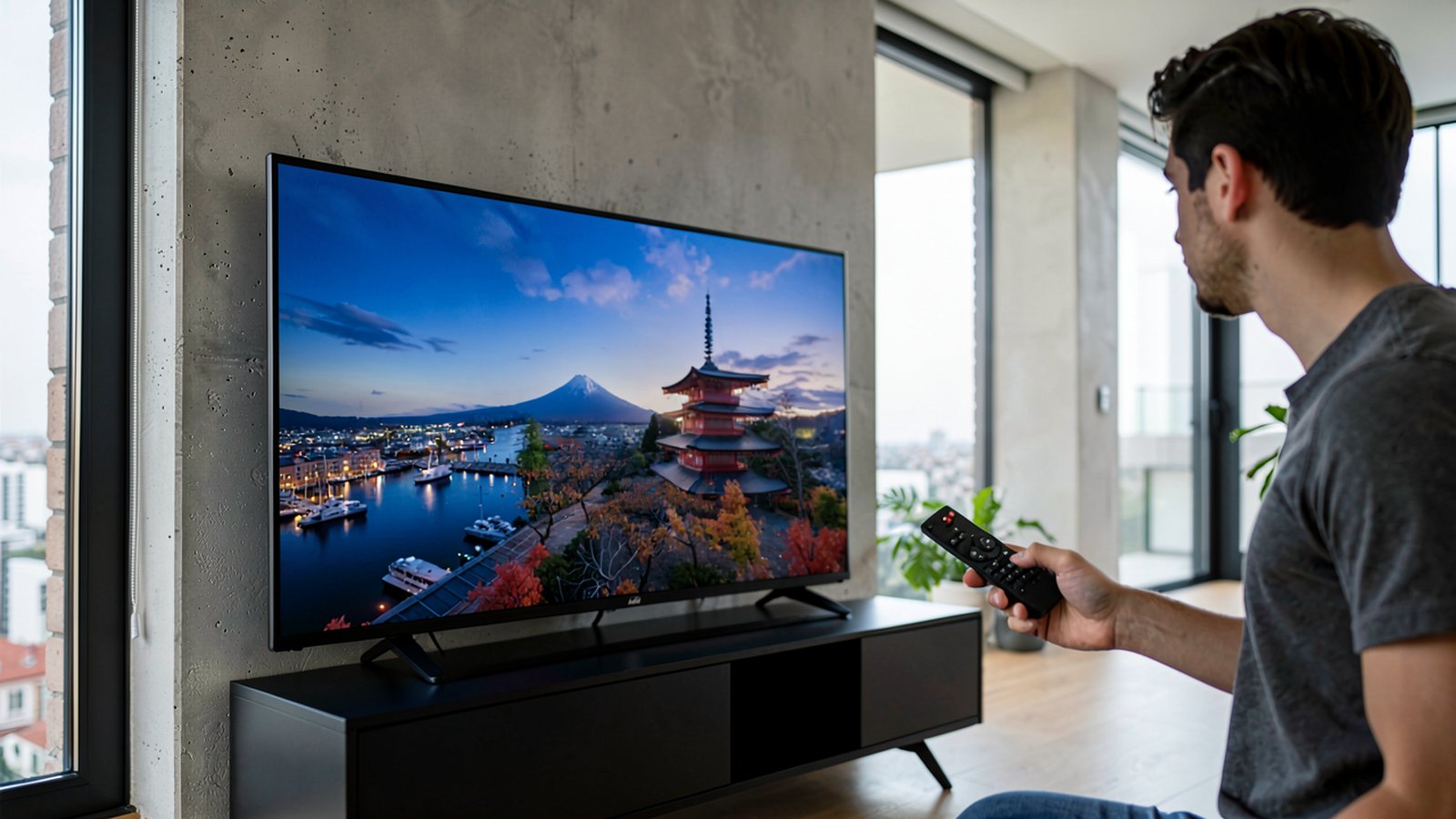
Grundig 43VLE6621BP Remote Not Working: Troubleshooting and Alternatives
Grundig 43VLE6621BP remote not working? Learn why no pairing is needed, how to test IR, use TV buttons, fix DIGI LINK, and find the right replacement remote.
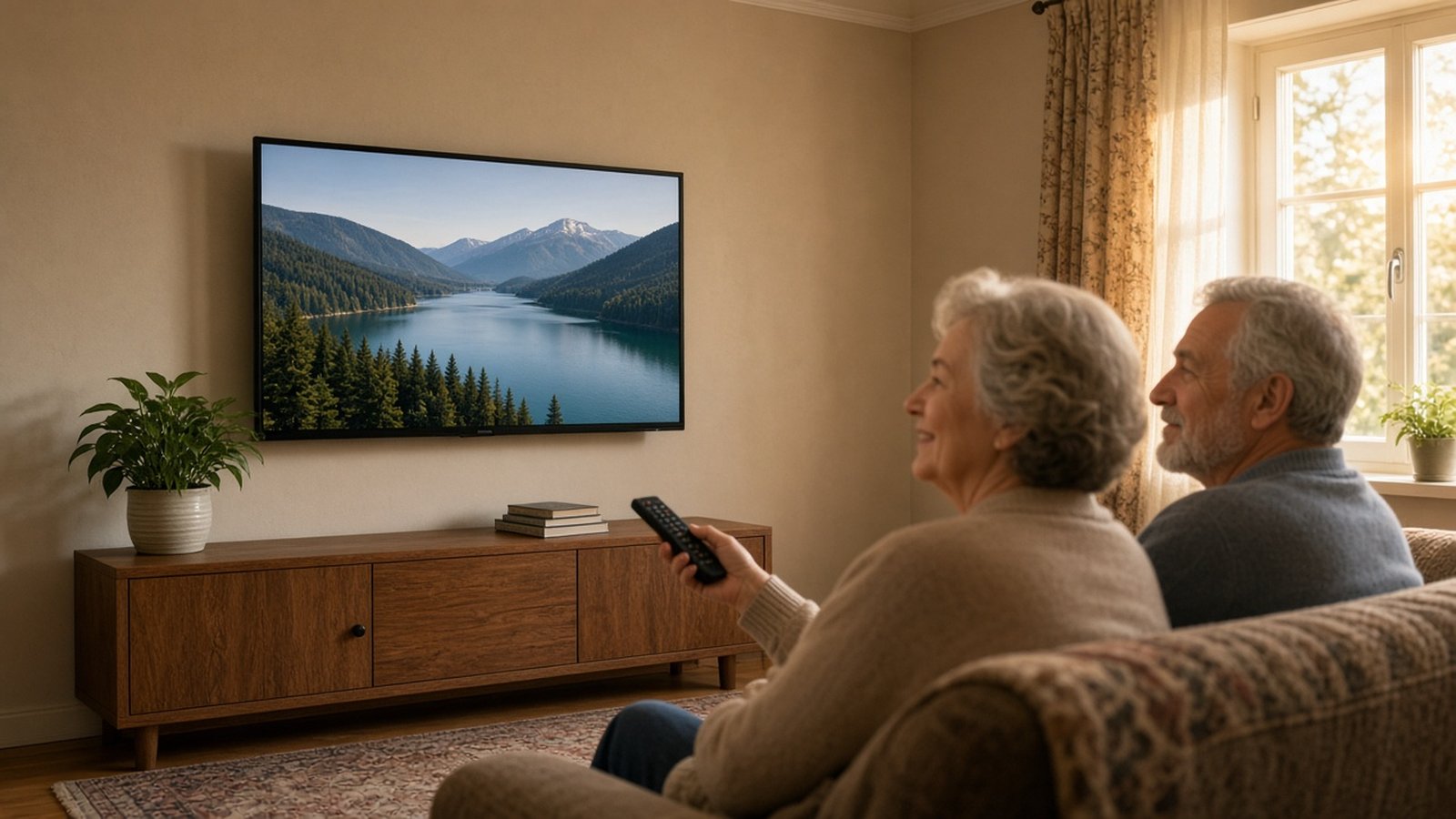
If your Grundig 43VLE6621BP remote stops responding, one key fact saves time: this remote is never paired with the television. While the TV includes Bluetooth, that connection only sends audio outward to an external device (such as a subwoofer). The remote operates via infrared light and needs no pairing.
When buttons fail, the quickest fixes are inserting fresh batteries, clearing line of sight, and unplugging the TV for a moment (a few minutes) to clear a system freeze. You can also control the set using physical TV buttons or a smartphone app. If the handset has failed, a replacement remote from Devicero works immediately after inserting batteries.
Why the Grundig 43VLE6621BP Remote Stops Responding (No Pairing Needed)
The Grundig 43VLE6621BP is a 43-inch Full HD Smart TV with Wi-Fi, Ethernet, and Bluetooth. Because Bluetooth is listed, owners often suspect a dropped pairing link. On this model, however, Bluetooth only transmits audio outward.
The remote sends infrared pulses directly to the TV and needs no pairing menus or codes. When the TV ignores commands, the cause is never lost pairing, but depleted batteries, an obstructed signal path, or a temporary freeze of the TV itself.
Need help choosing or setting up a remote?
Ask usFirst Step: Check and Replace the Batteries (2× AAA)
The remote runs on two 1.5 V Micro batteries (type R03 / AAA). When buttons stop reacting reliably, weak batteries are almost always the cause.
Open the compartment cover and insert two fresh AAA batteries, matching the polarity marked on the bottom. Always remove flat batteries promptly, as corrosive leaks damage internal contacts. Take exhausted cells to public collection points rather than household waste.
To compare hardware across devices, browse our complete selection of remote controls.
Clear Line of Sight and the Phone Camera Test
Because the remote communicates via invisible infrared light, it requires a clear line of sight to the TV. Soundbars or furniture doors can easily block the beam. Point the remote straight at the screen and remove any obstacles.
You can test the transmitter with a smartphone camera. Point the remote at the lens and press a button; many phones display the flashing infrared LED. On many phones the front (selfie) camera works better. Seeing nothing is not proof of a fault, however.
If buttons stick, consult our guide on common remote control problems and how to fix them.
Unresponsive TV: Disconnect from Mains Power
Sometimes the TV enters an undefined operating state, freezing and ignoring inputs. A full power reset clears this temporary lockup:
- Turn off the TV switch or unplug the power cable from the wall outlet.
- Leave the TV disconnected for a moment (a few minutes).
- Plug the power cord back into the socket and switch on the TV.
- Test the remote to confirm responsiveness has returned.
Connected external devices (such as a recorder or satellite receiver) can also cause faults; disconnecting them temporarily can help identify whether an attached device is behind the problem.
Operating Without a Remote: TV Buttons, Button Lock, and Phone App
If your remote is missing or damaged, the buttons on the TV itself provide basic control.
The ⏻/I button powers the TV on or into standby. The V/P button toggles whether – and + adjust volume or switch channels (– decreases; + increases).
If the TV buttons do not respond, the button lock may be active. In the child-lock (parental) menu, a button lock is protected by a PIN (factory default 1234, unless changed). When active, TV buttons do nothing. Deactivate it using a working remote or phone app.
The TV also supports smartphone control over your home network via Grundig's mobile app (currently called Grundig Smart Remote). The TV must be connected to your network (Wi-Fi or cable), the phone must be on the same network, and you should check the app's supported-models list to confirm your TV is included.
For effortless daily viewing, the original Grundig 43VLE6621BP remote control restores full convenience.
Controlling HDMI Devices via DIGI LINK (CEC)
The Grundig 43VLE6621BP features DIGI LINK, Grundig's implementation of HDMI CEC.
Enabled by default, DIGI LINK lets the TV remote control compatible HDMI gear (such as DVD or Blu-ray players) without extra remotes, provided the connected device supports CEC. It can power on the TV when starting playback, select the active input, and turn off connected equipment when the TV enters standby.
Press TOOLS on the remote and select Digilink to view the HDMI device list. If response feels sluggish, open the HDMI source settings to adjust remote control behaviour and try the available modes.
Replacement Remotes: Original, Senior, and Alternative Design
When fresh batteries, a clear path, and power resets fail, the remote is likely damaged.
If comparing handset styles, consult our guide on how to find the right replacement remote control.
The original replacement remote from Devicero requires no programming. Insert the batteries and it is ready to use immediately.
For simplified handling, the replacement remote control for seniors provides essential controls with large readable buttons, ready after inserting batteries.
Explore simplified options in our guide to remote controls for seniors.
Alternatively, the replacement remote control with a different design fully replaces the original with all functions. Just insert batteries (not included); no programming or pairing is needed.
If fresh batteries, a clear path, and unplugging fail, and TV buttons do not respond (with button lock off), contact an authorised Grundig service dealer. If the TV responds to buttons or the app but ignores the remote, replace the remote.
Frequently Asked Questions
Do I need to pair the remote with the TV?
No. Bluetooth only sends audio to external devices. The remote uses infrared and needs no pairing. Devicero replacements require no programming or pairing.
What batteries does the remote use?
Two 1.5 V AAA batteries (R03 / Micro). Match the polarity marked inside the compartment.
Why do TV buttons not respond?
The button lock in the child-lock (parental) menu may be active (factory PIN 1234, unless changed). Turn it off with a working remote or phone app.
Can I control the TV with a smartphone?
Yes, using Grundig's mobile app over your home network. Ensure both devices share the network and verify model support in the app.
Does the remote control connected HDMI devices?
Yes, via DIGI LINK (HDMI CEC), provided the connected equipment supports CEC. DIGI LINK is enabled by default in TV settings.